
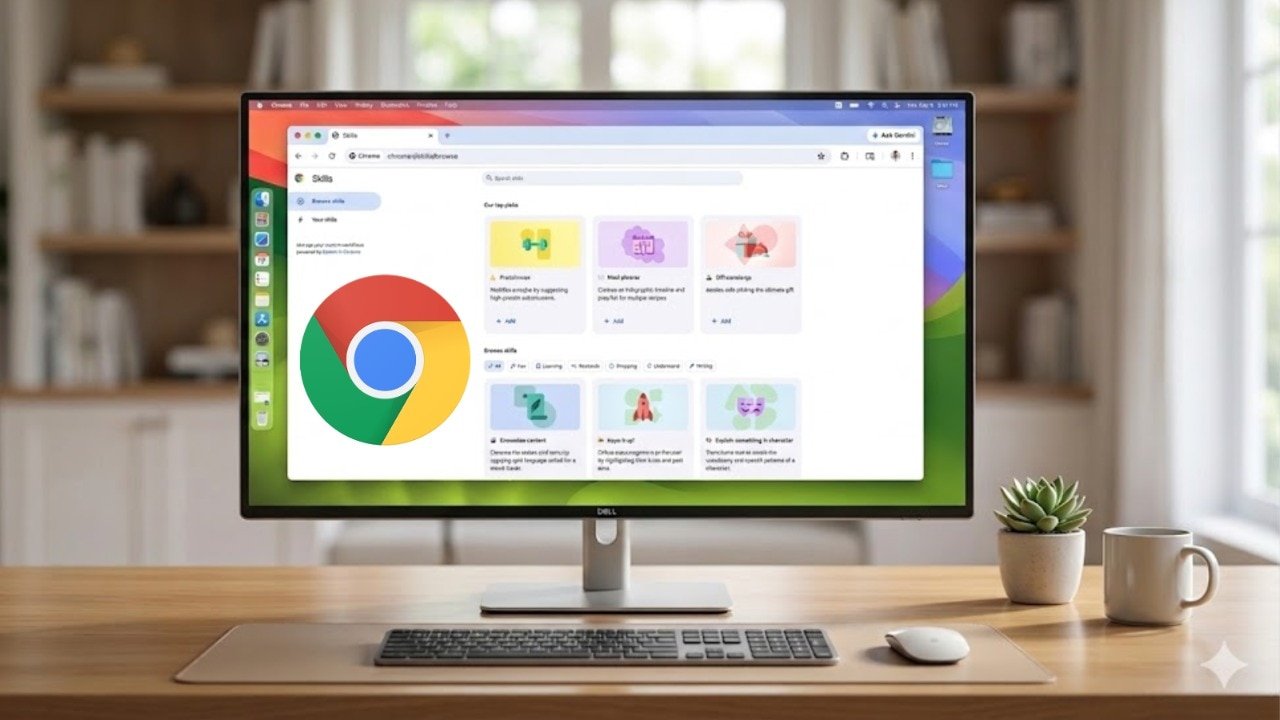

Google is enhancing the usability of Gemini on Chrome by introducing a feature called Chrome Skills. Users can now save frequently used prompts as Skills, enabling them to boost productivity and save time by completing repetitive tasks with just a click.
Chrome Skills extend beyond work-related tasks, allowing users to perform activities such as price comparisons while shopping for clothing or discovering food recipes. These Skills are essentially prompts used with Google Gemini on Chrome, offering a convenient way to streamline tasks with a single click.
To create a Skill, users can input a prompt on Gemini, save it, and access it by clicking on Gemini in the top-right corner of the Chrome browser. By interacting with the AI chatbot, users can select a specific Skill, like comparing prices across different websites, and let Gemini handle the task across multiple tabs, presenting all the relevant information.
It is important to note that Skills prompts may require user confirmation before executing certain actions, such as adding events to calendars or sending emails. Google provides over 50 preset Skills for users to explore, including calculating protein macros, comparing product specifications, and extracting vital information from lengthy documents. Users can also customize these presets to better align with their individual requirements.
The availability of Google Skills on Chrome is currently limited to users with the browser language set to US English. This feature is accessible on any desktop device logged into a Google account.